“360° media, consisting of 360° videos and images, is a great way for developers to enhance traditional apps with immersive content.” (2024 Google VR)
When it comes to immersive experiences, there is none more suitable for an entry level user experience than 360 Imagery. Fiveable (2024) describes 360 degree images and videos as a type of interactive media that involve a panoramic view of a scene which allows users to interact with the scenery by being able to navigate their point of view in the scene. In detail, by taking a panoramic image or modelling a scene through the perspective of a spherical camera, a designer is able to provide a full 360 world experience to a user that has multiple applications in modern day. It can be used as a medium, or navigated as an experience by users without them having to understand the theory behind it. Providing a simple and entirely personal immersive experience the technology behind it has become more accessible to the everyday user. Any person with access to a mobile telephone is able to capture and create their own 360 experience. Applications and services such as polycam™ and Pano to 360 by Thinglink™ allow individual users to either take 360 images as with polycam™ or by uploading an image directly to the website with Thinglink™ and their service. By following the onscreen prompts with a compatible device, polycam™ guides the user to capture a 360 panoramic image, it then stitches the images together and uses Artificial Intelligence (AI) to finalise the image and provide a delivered product to the consumer. (2024 Polycam) By integrating this technology into applications available to the general public, it provides a growth of knowledge and experience which allows the technology to become more effective and find use in practical settings. Seamless integration into everyday use is an ideal state for any technology, as long as it can provide some use in society it will remain important and relevant. 360 media has a strong place in practical uses for modern society. Panoraven (N.D) states there are multiple uses for this technology within the tourism industry, social media, marketing, photography and real estate industries as a few examples of the potential reach it could make.
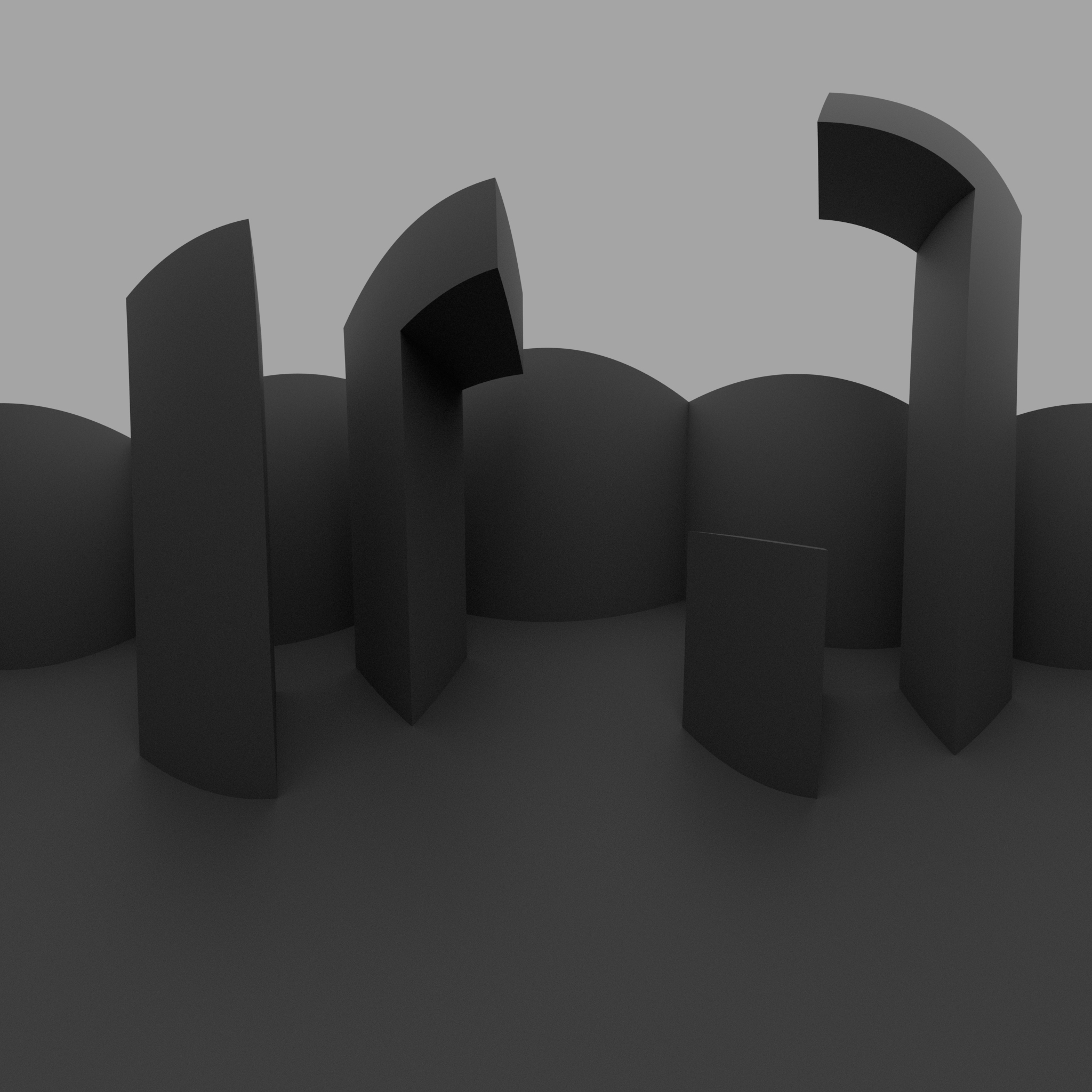
Following a Youtube tutorial, i was able to create my first 360 image
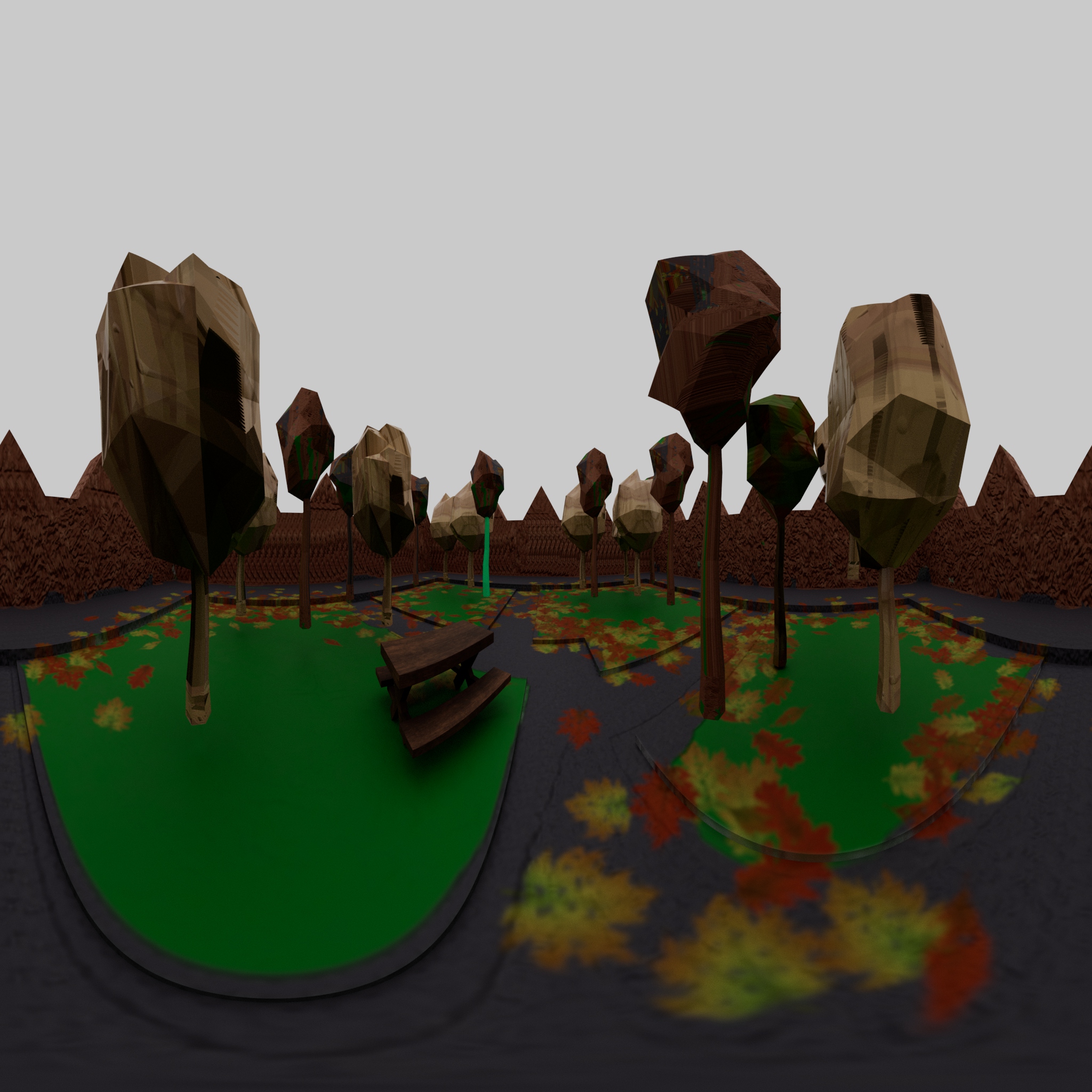
My second attempt at 360, following my own intuition
The first task of this chapter involved us learning how to utilise the software available to construct our own 360 media. To begin, there was a brief tutorial to follow which showed the basics of setting up the file correctly, and how to do a simple 360 image. The overall instruction was easy to manage and started to unlock my understanding of the actual process of how modelling for 360 media would actually work. The software used was Maya, which provided an easy system to set up for 360, the main key component being setting up the camera to a spherical setting which would capture every frame correctly. The final result was a simple and satisfying grey abstract environment, which led on to designing my own version. For this I began by storyboarding ideas as I quickly realised that I would not be able to make something if I did not know what I was making. To expedite my first attempt at this without following a guide, I decided to build a simple scene in a park, by providing an opportunity to give visual stimulus with trees and other objects for the viewer to experience. The final result of the design was a success, and allowed me the chance to reflect upon how I would do it differently and how it could be applied to future projects. The main point of improvement would be to focus on the user experience more, my original attempt believed that by providing enough visuals it would suffice, but on reflection it seems that more animation, or some direct narrative explained through the medium would prove to be much more immersive for the user. It will be interesting to utilise different lighting effect and colour grading techniques in future projects relating to this. I also acknowledge that the use of audio would provide an extra layer of immersion, in this example I could have provided ambient noises of birds and cars driving to really simulate the environment for the user. In the workshops we learned about using MASH networks in Maya, through some experimentation I discovered a few interesting results that can be achieved with this aspect of the software. It provided potential ideas to be used for different projects, with my favourite being the abstract tunnel design. It reminded me of many different neon style designs I have seen in my life.
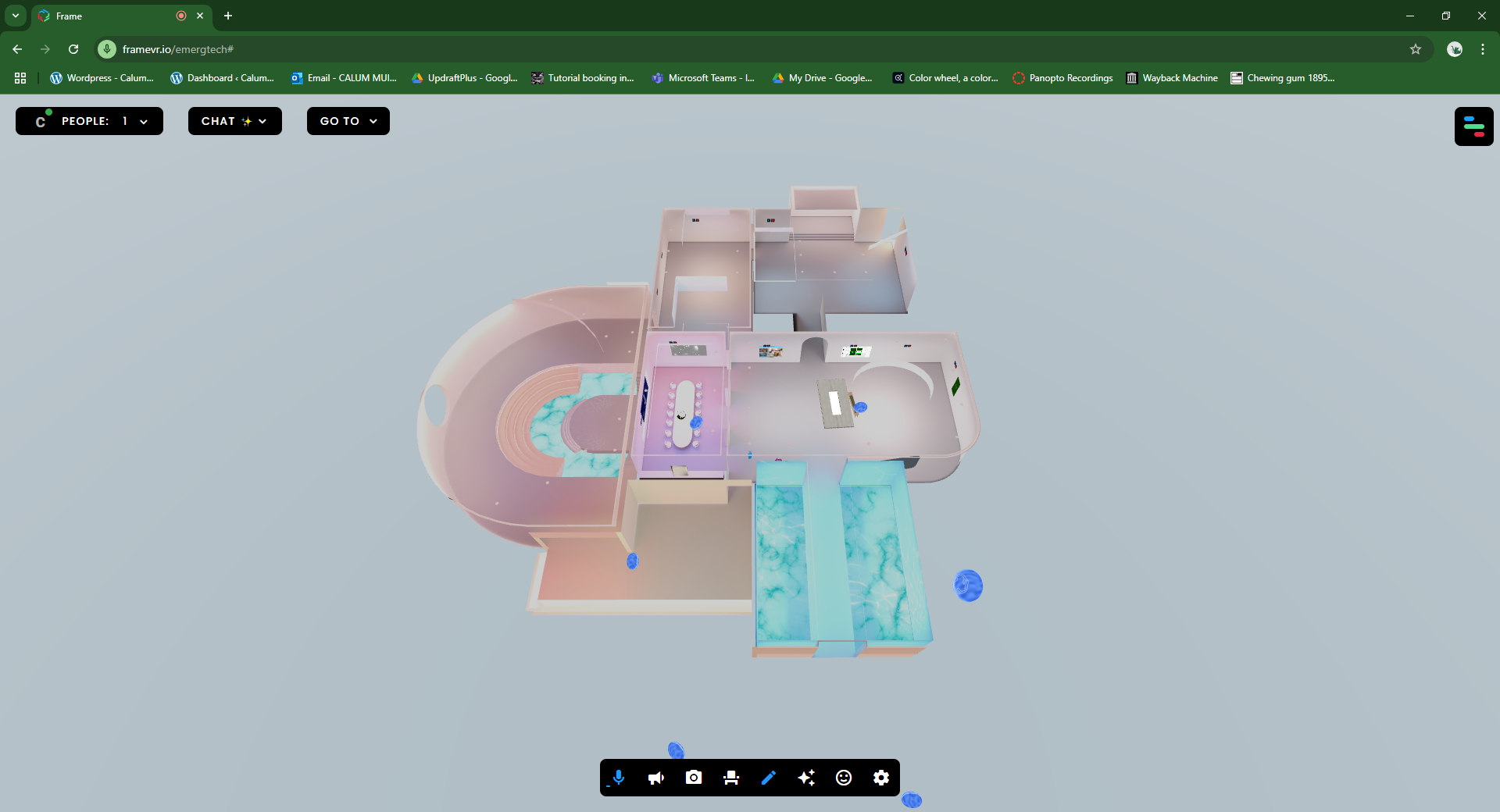
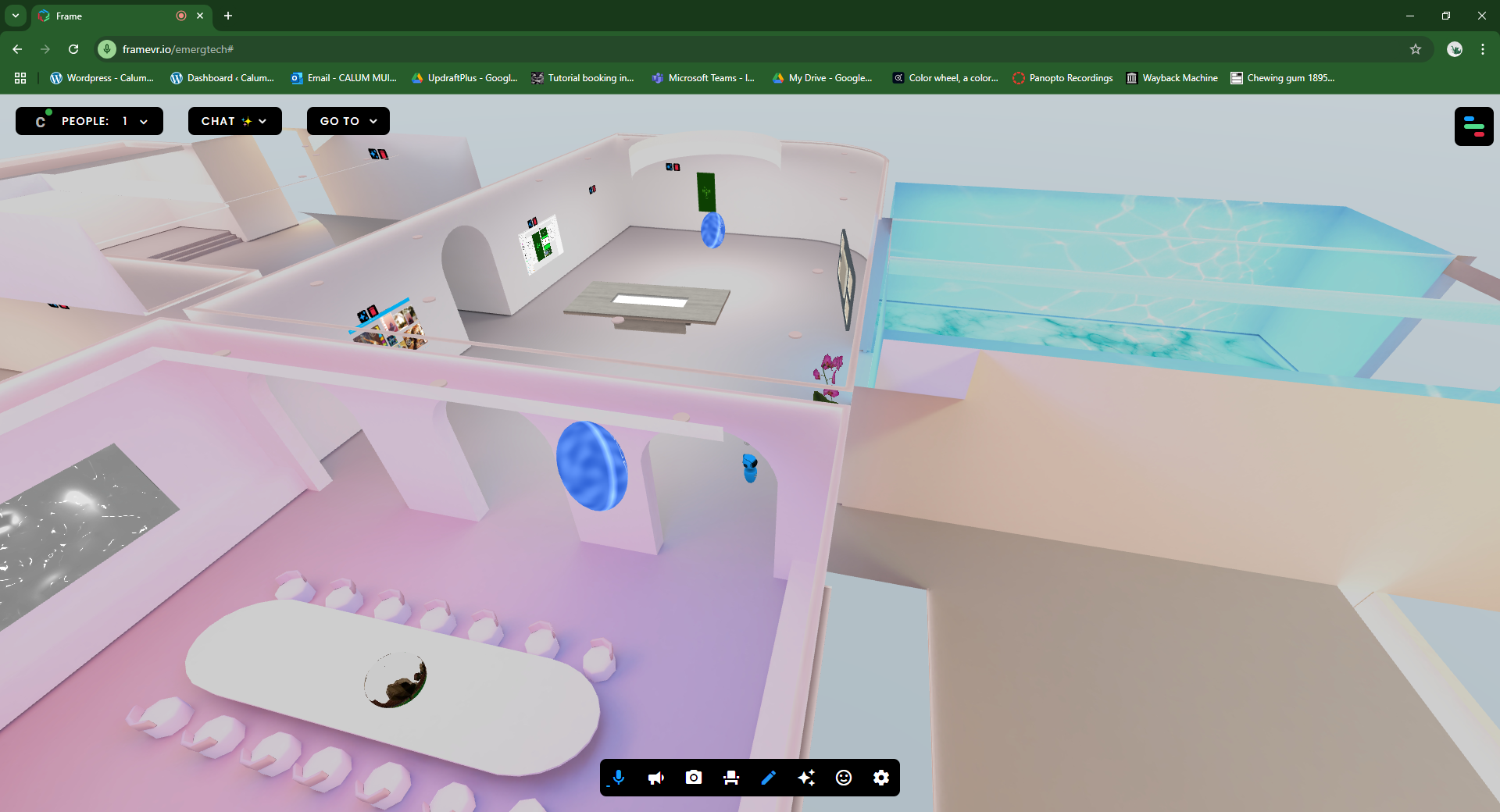
The second half of this task Involved us experiencing a web based Virtual Reality (VR) and Augmented Reality (AR) experience called FrameVR™. This platform is a web based experience reminiscent of art galleries and museums, it provides a digital way to exhibit your work by providing the option to showcase images, videos and much other media in a customisable environment. The experience also allows you and other users to navigate around in your own avatars and fully immerse yourself into the art exhibition theme. This showcases how much of a social element can be provided through these new technologies. In this task I explored making a frame, and experienced the simplicity of adding assets and customising the environment to suit my needs. Given enough time any user would be able to transform a frame into a personalised representation of who they are, which would provide a perfect platform for networking and connecting with other similar minded people.
A classic aerial view to show how vast these frames are
the possibilities to show off your works are endless with frame VR
References
Fiveable 2024 Virtual and Augmented Reality Applications