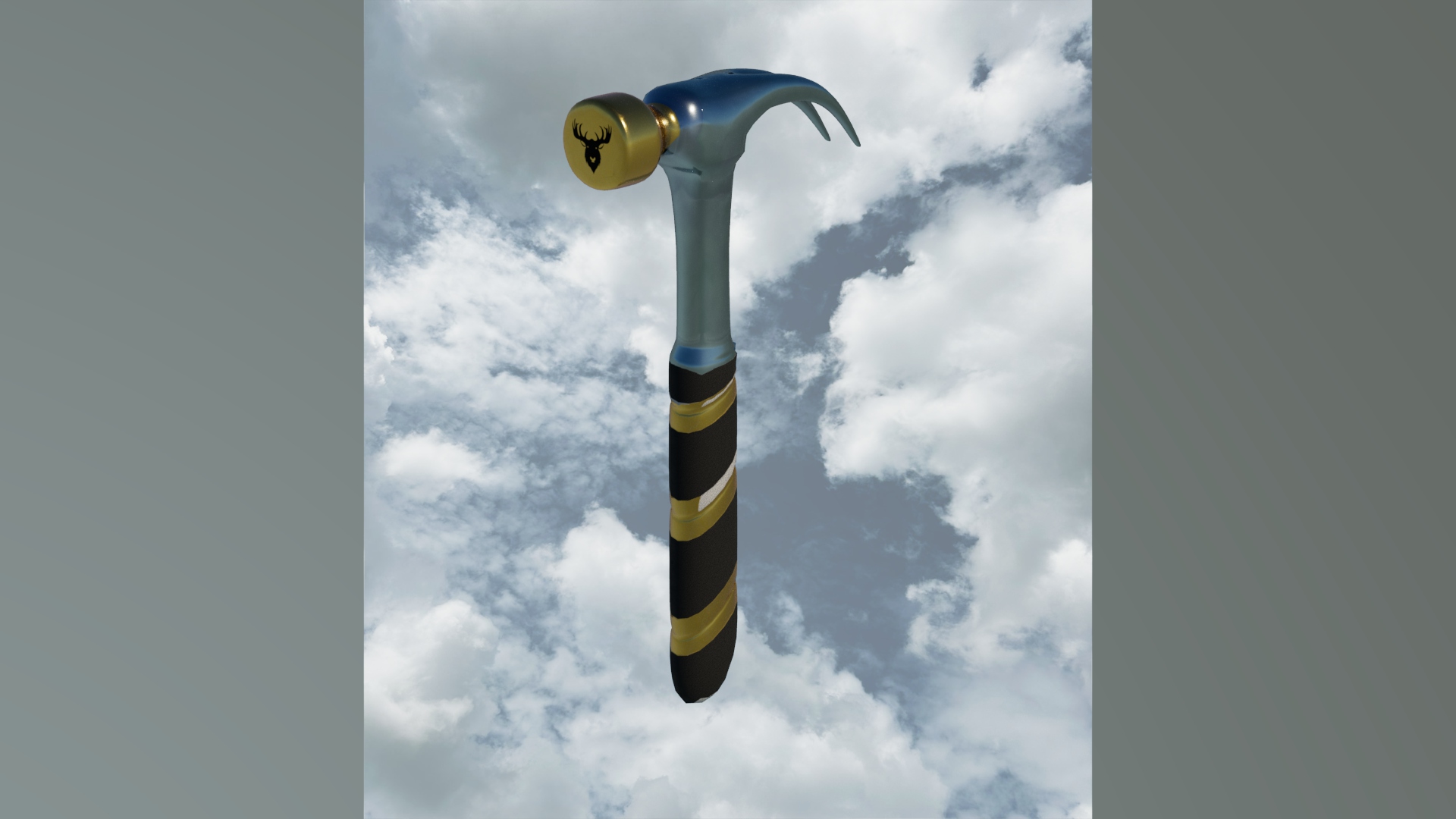
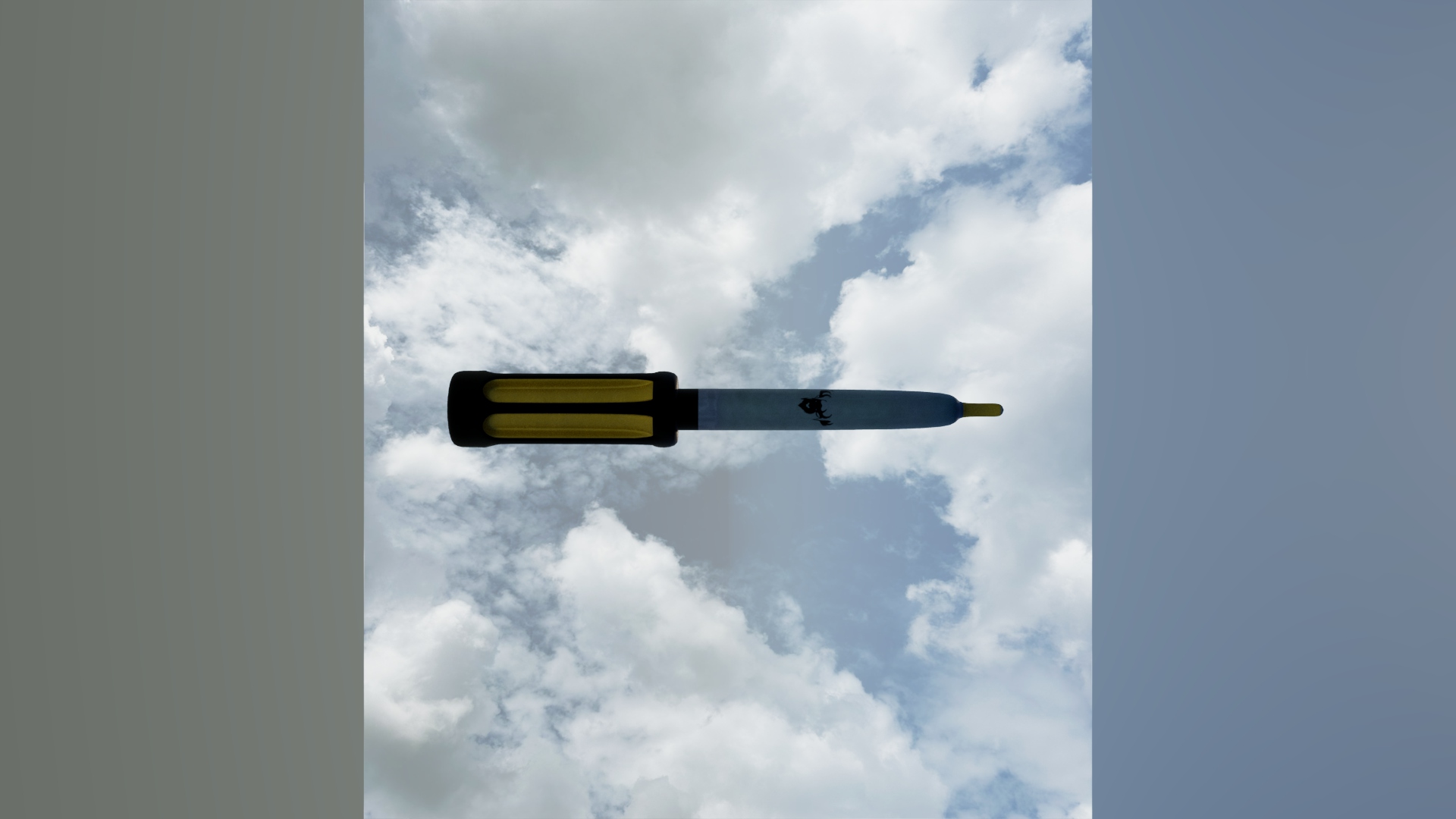
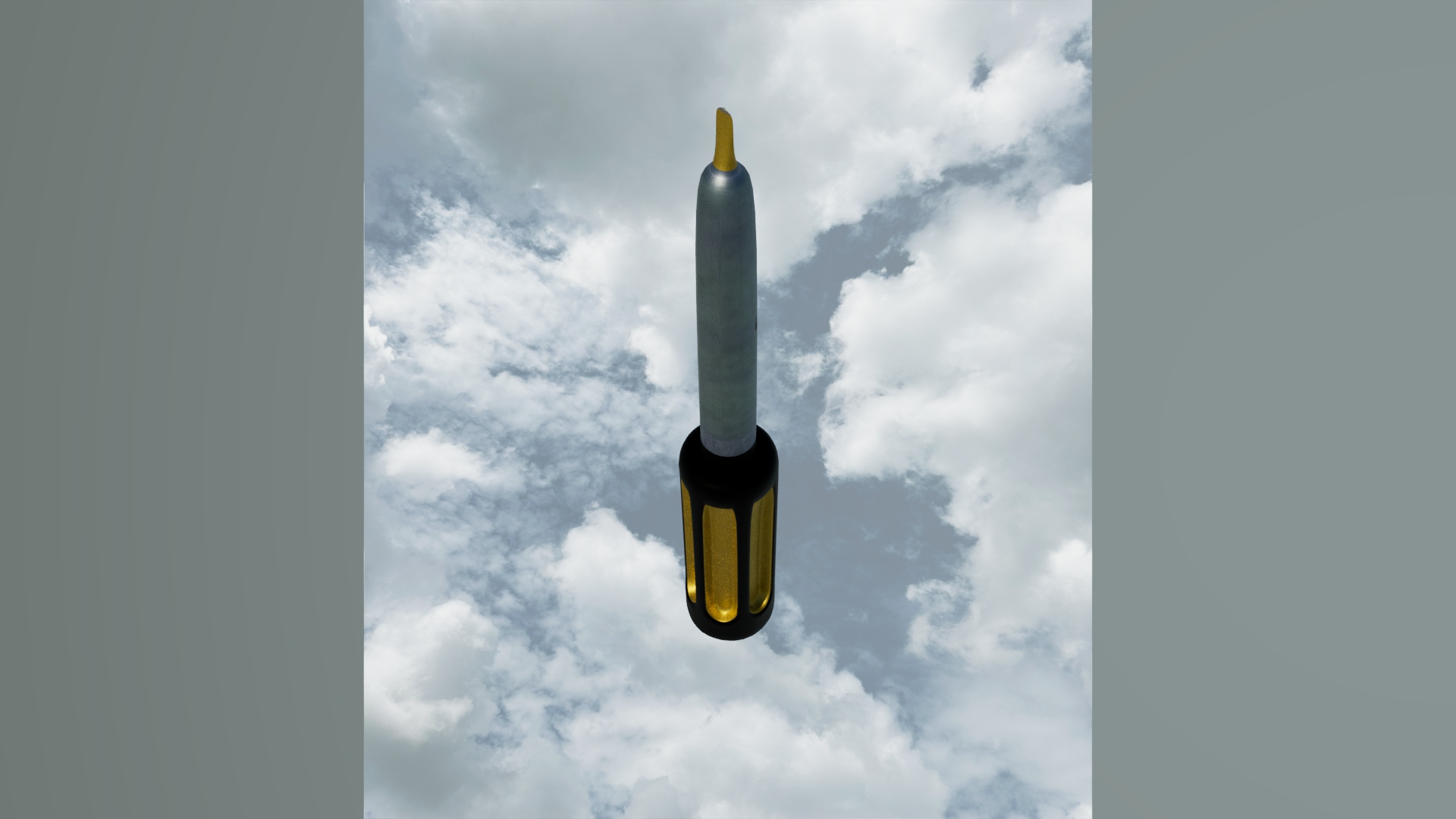
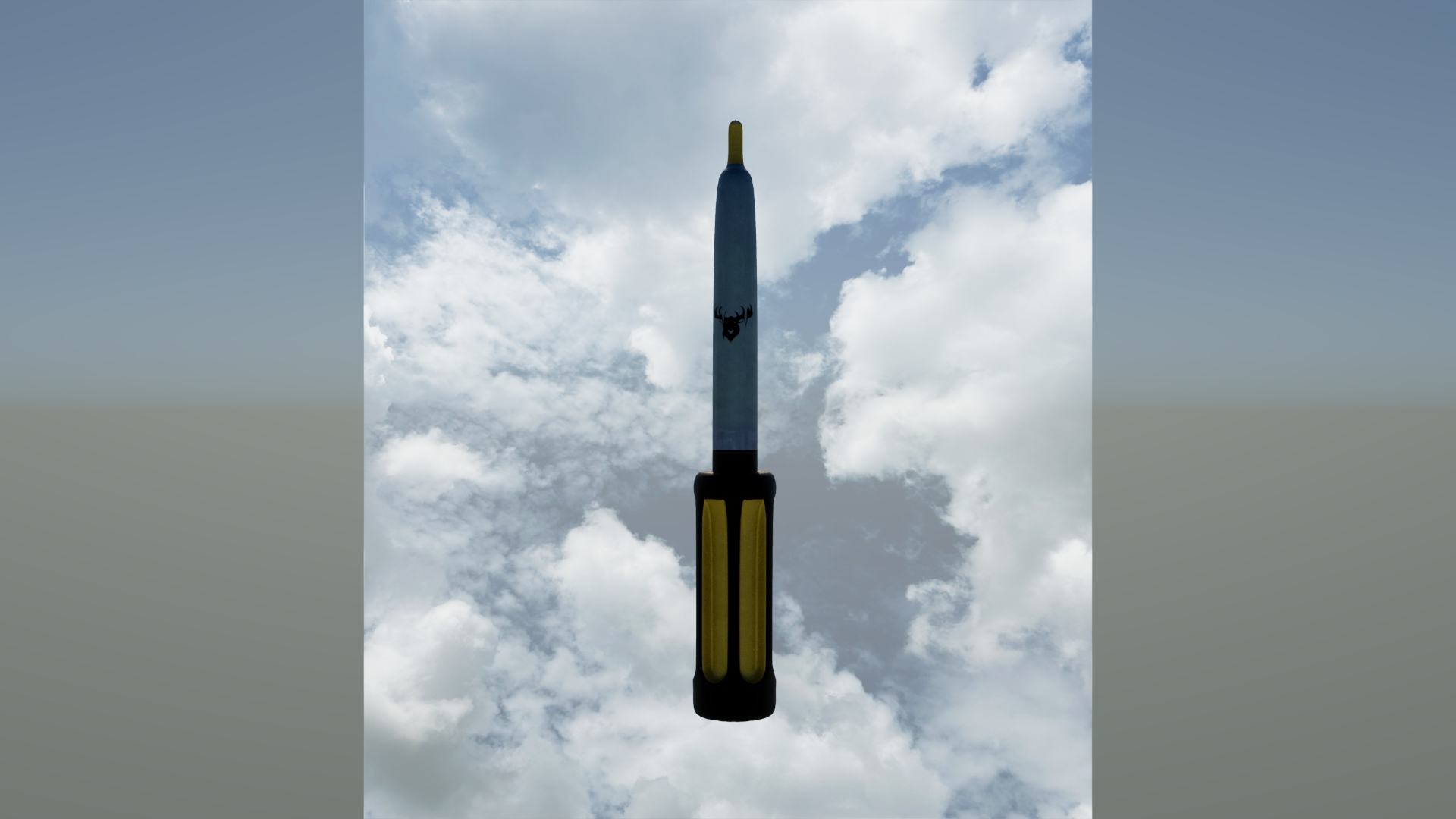
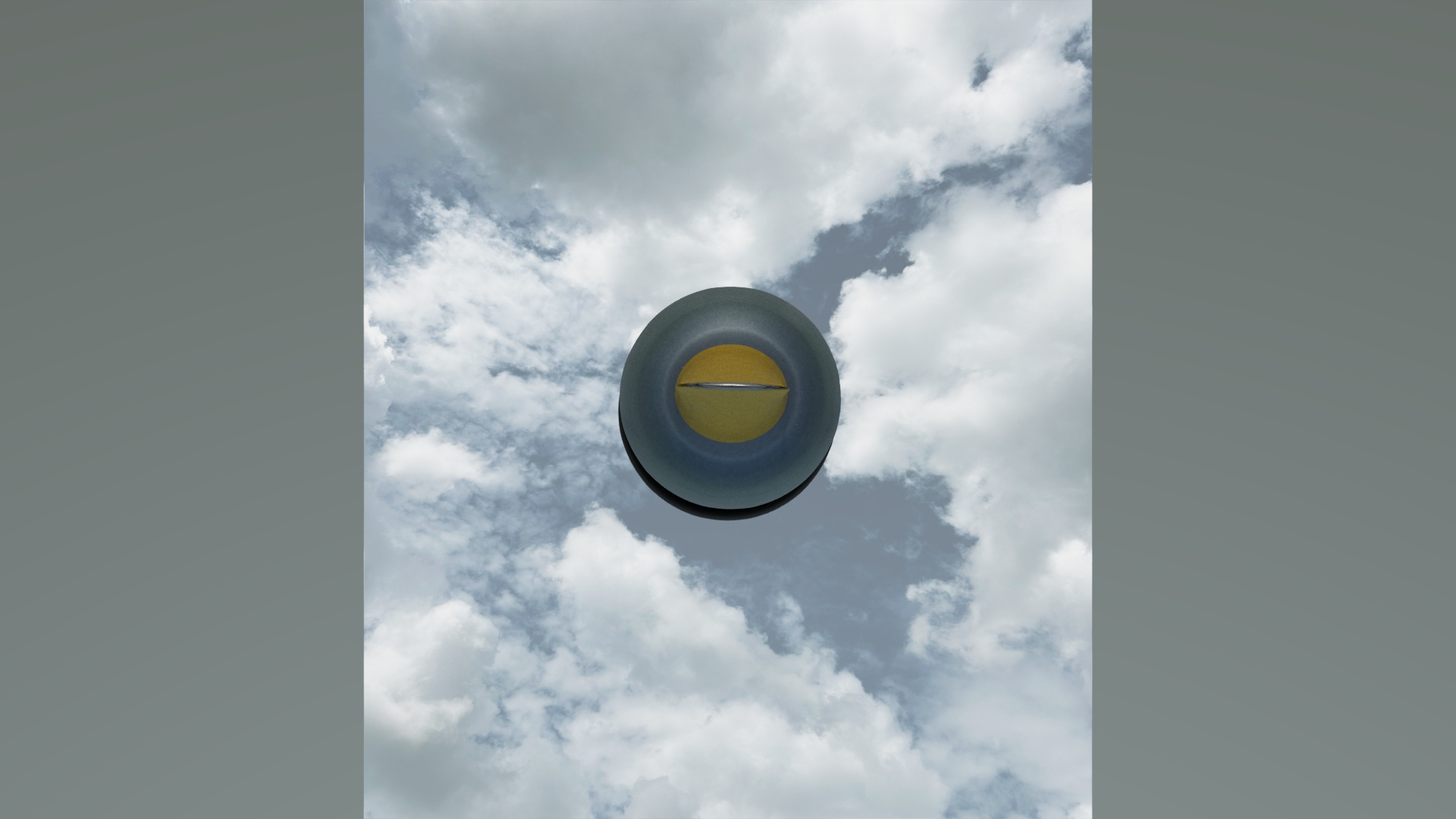
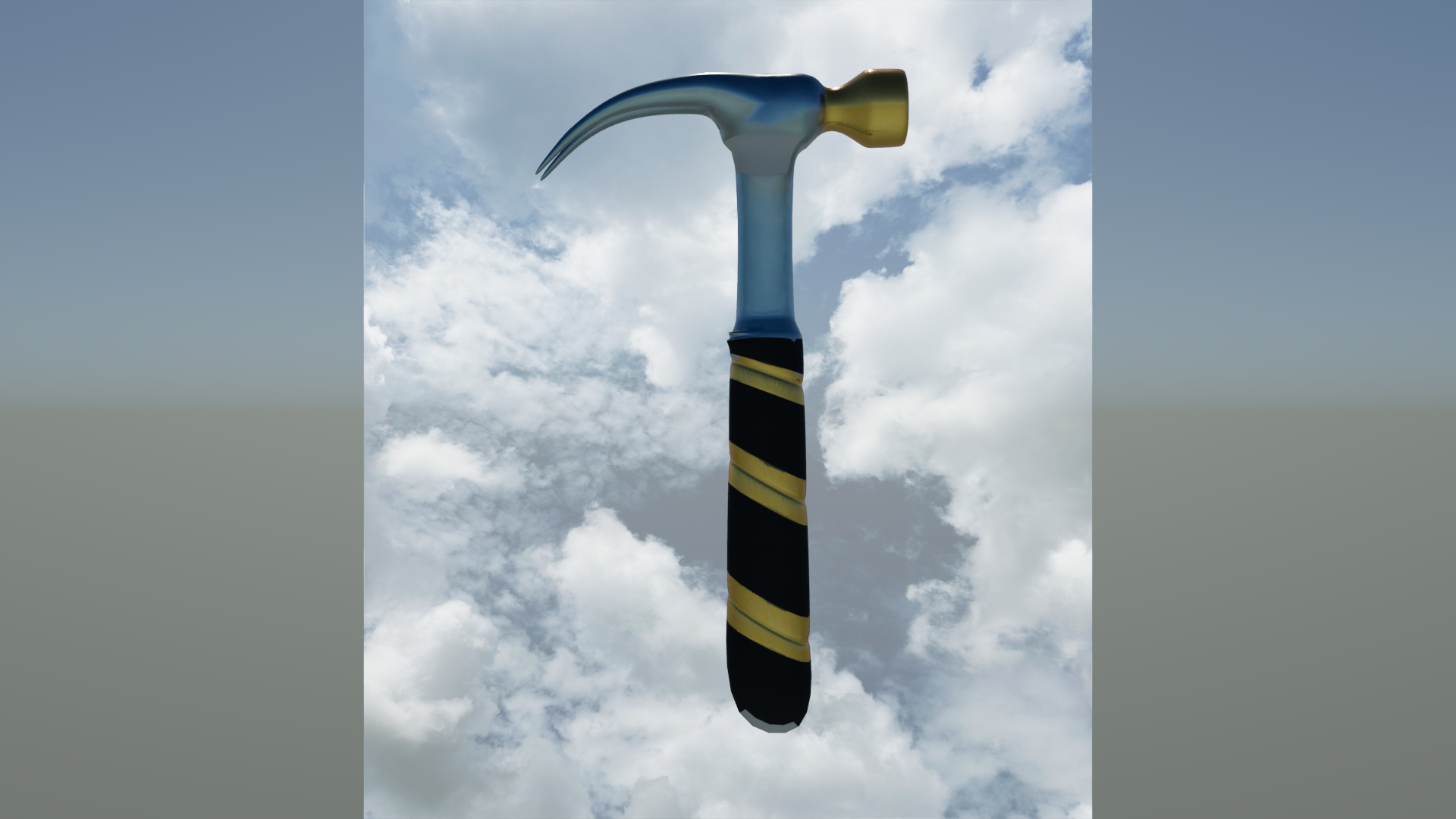
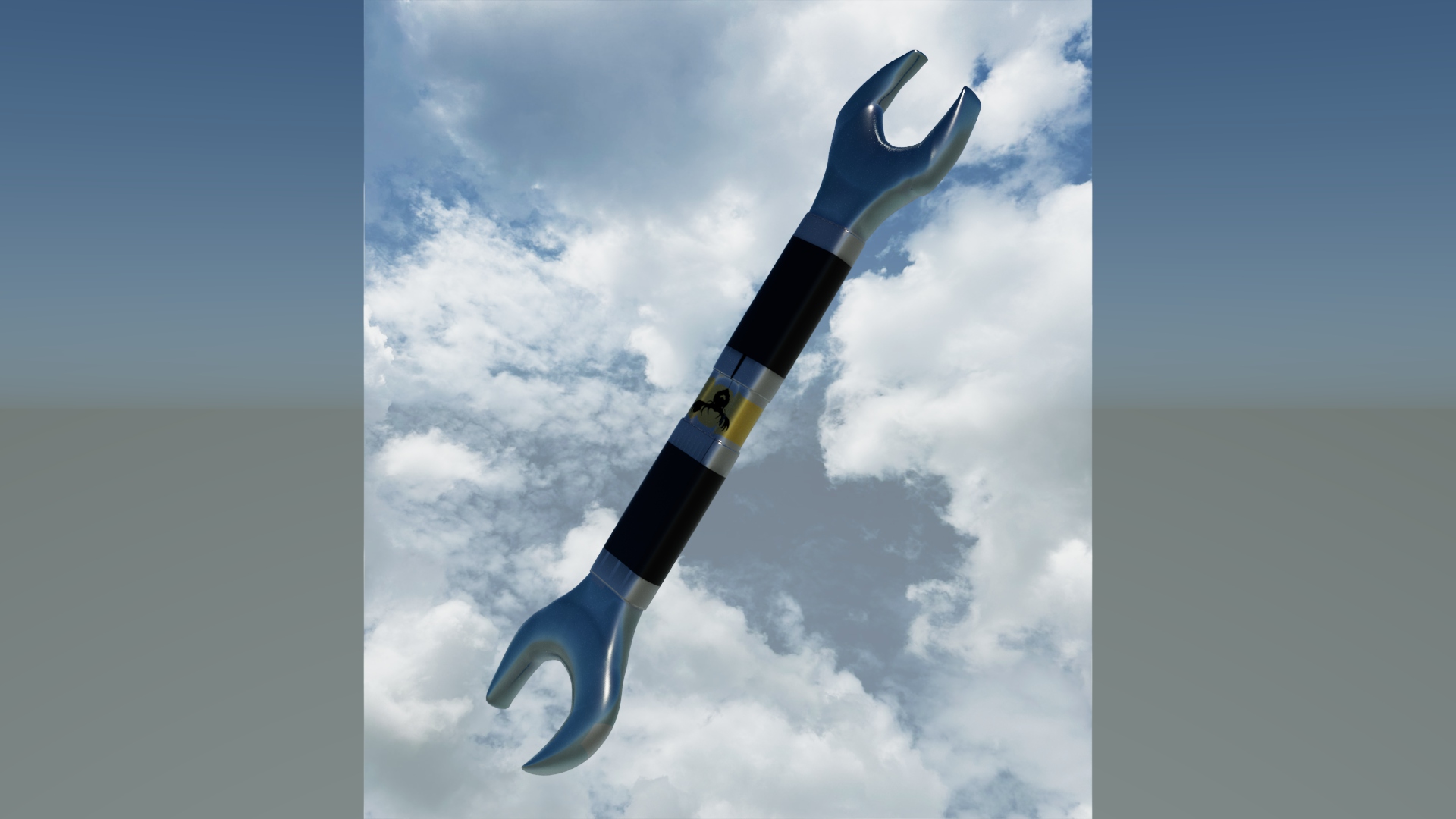
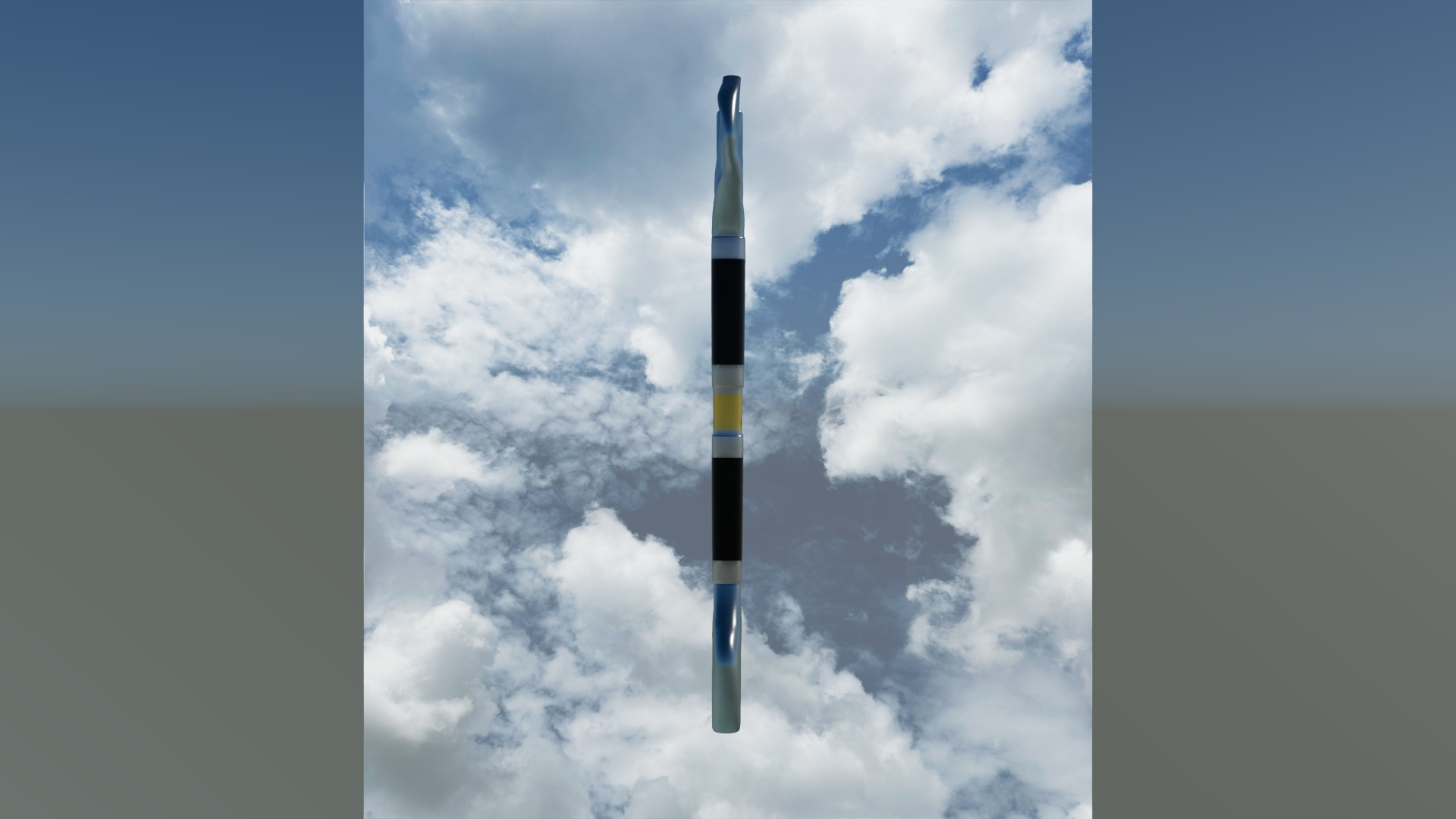
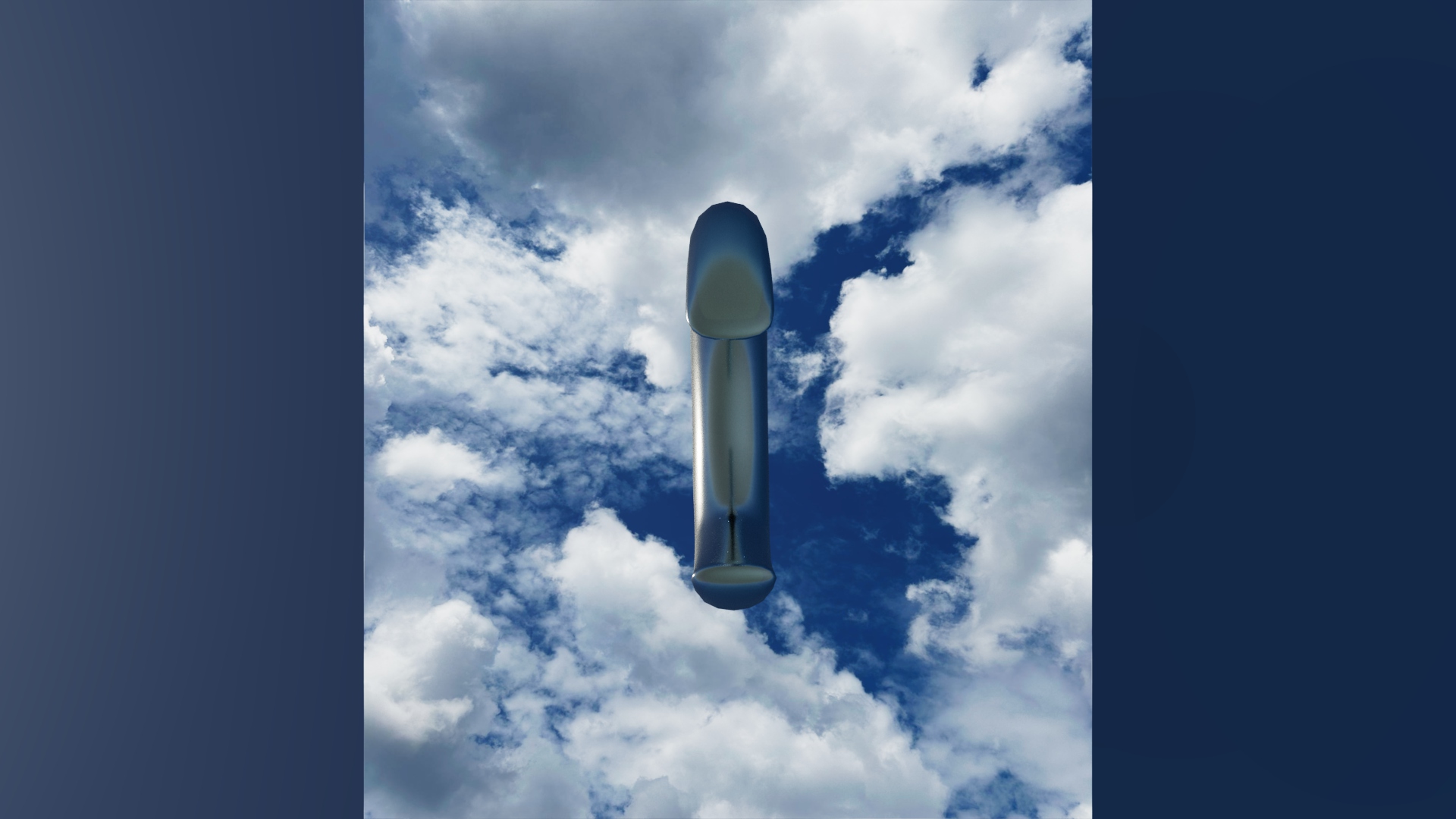
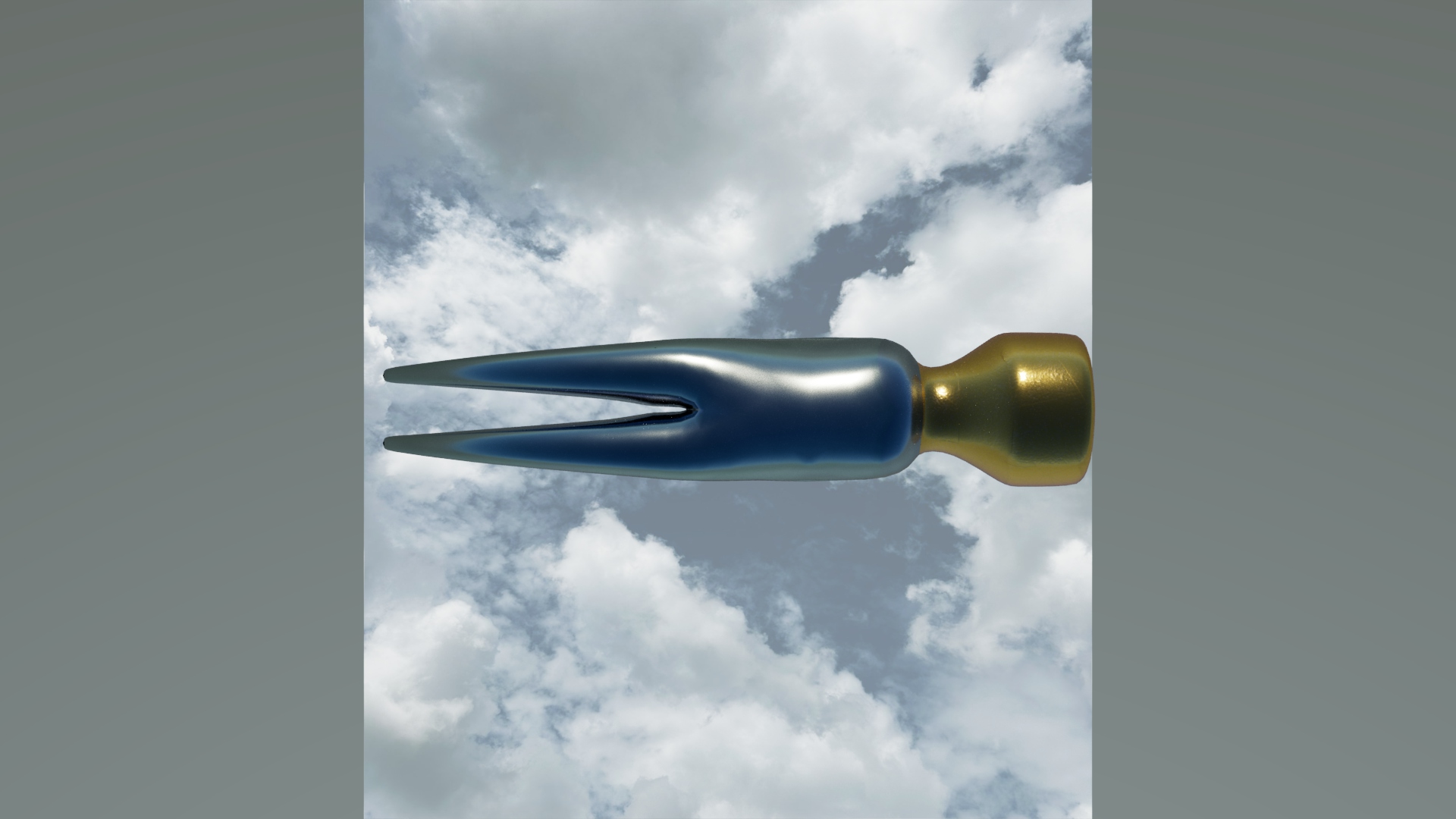
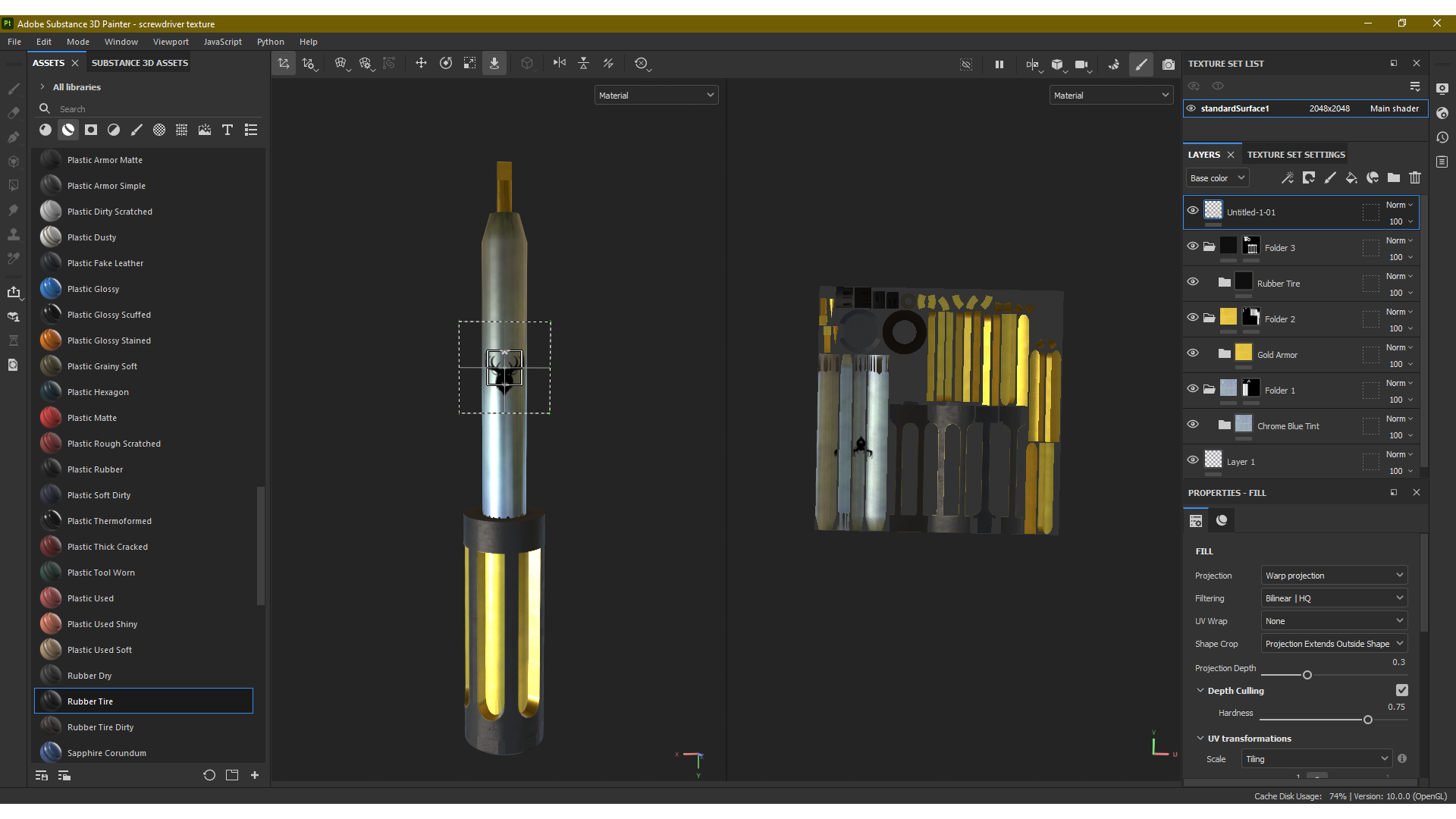
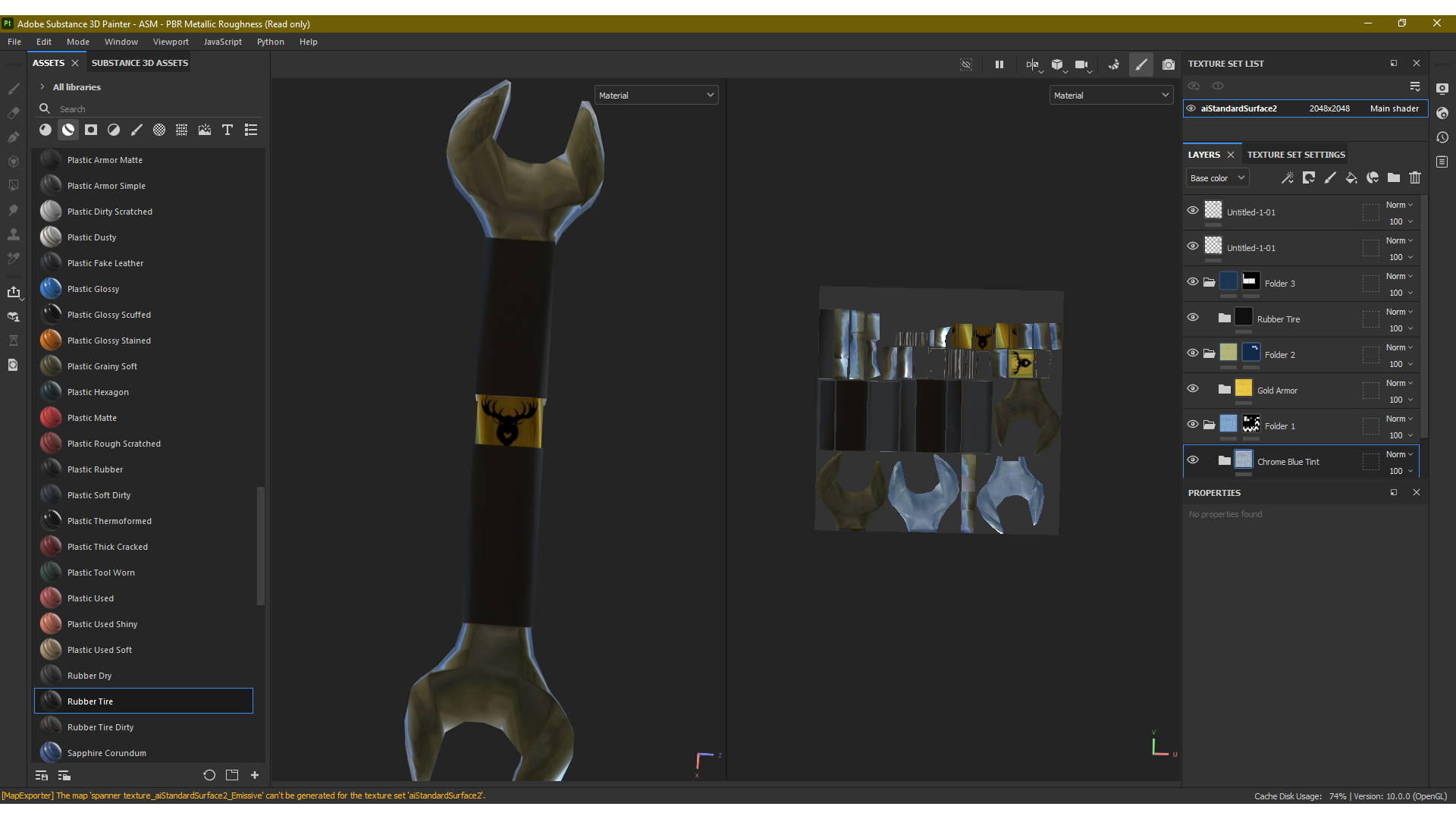
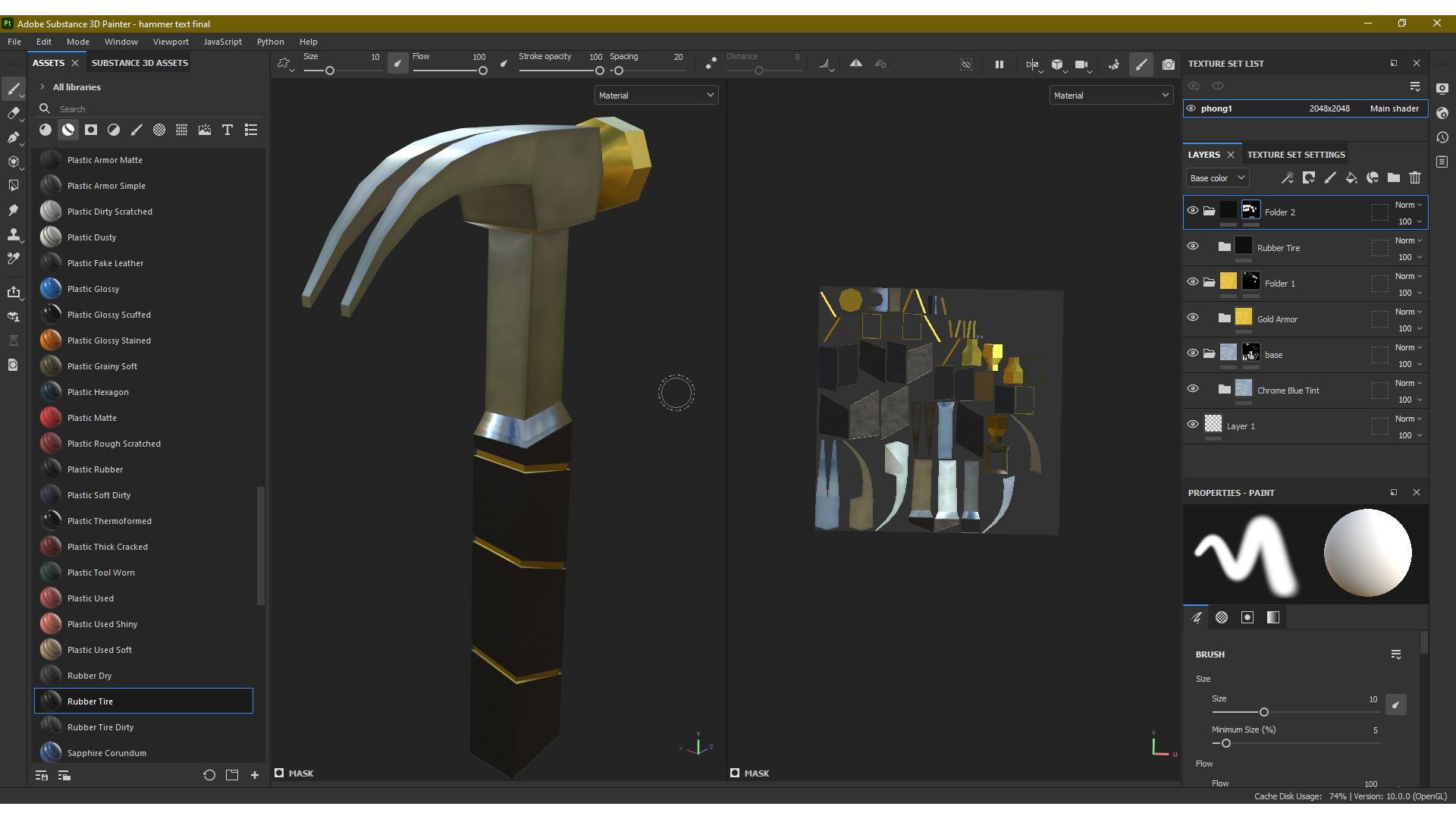
For this section it was themed around 3D texturing and concept rendering for the previously designed models. For this each model needed to be UV unwrapped to enable texture painting through Adobe Substance Painter or other software. This process became an arduous one as each model had to be unwrapped in a suitable manner that would allow a decent application of texture paint to provide a professional final look. Upon approaching this method in a variety of ways to figure out the best possible solution, a final process was used which worked to the greatest effect in this scenario. After each model was checked for any errors, and cleaned up using the features provided by Maya it would be taken into the UV editing window where the UV maps needed to be worked out effectively, if this was done effectively it would provide a more complex and difficult application process that would result in a sub par product. Using the automatic feature is laid out the UV map in an organised pattern in the workbench, this allowed specific examination of any unnecessary parts to the models mesh that needed to be removed. Once the author was happy each model was exported and then moved into substance Painter where the materials would be applied. Each model had all the meshes baked into them through the software before painting, and the method used in this scenario was the utilising of masking layers and the polygon fill tool. With these used in combination the author was able to manually paint each object in a particular way. This proved to be a longer process but the final result proved to be beneficial as it gave the opportunity to provide extra detail and texture to specific areas. Finally the branding logo was applied to each model before being rendered out into the examples provided.